Having trouble logging in? Whether you forgot your password or it has expired, don't panic! You can still access your account.
TABLE OF CONTENTS
I Know My Username and Have My Phone
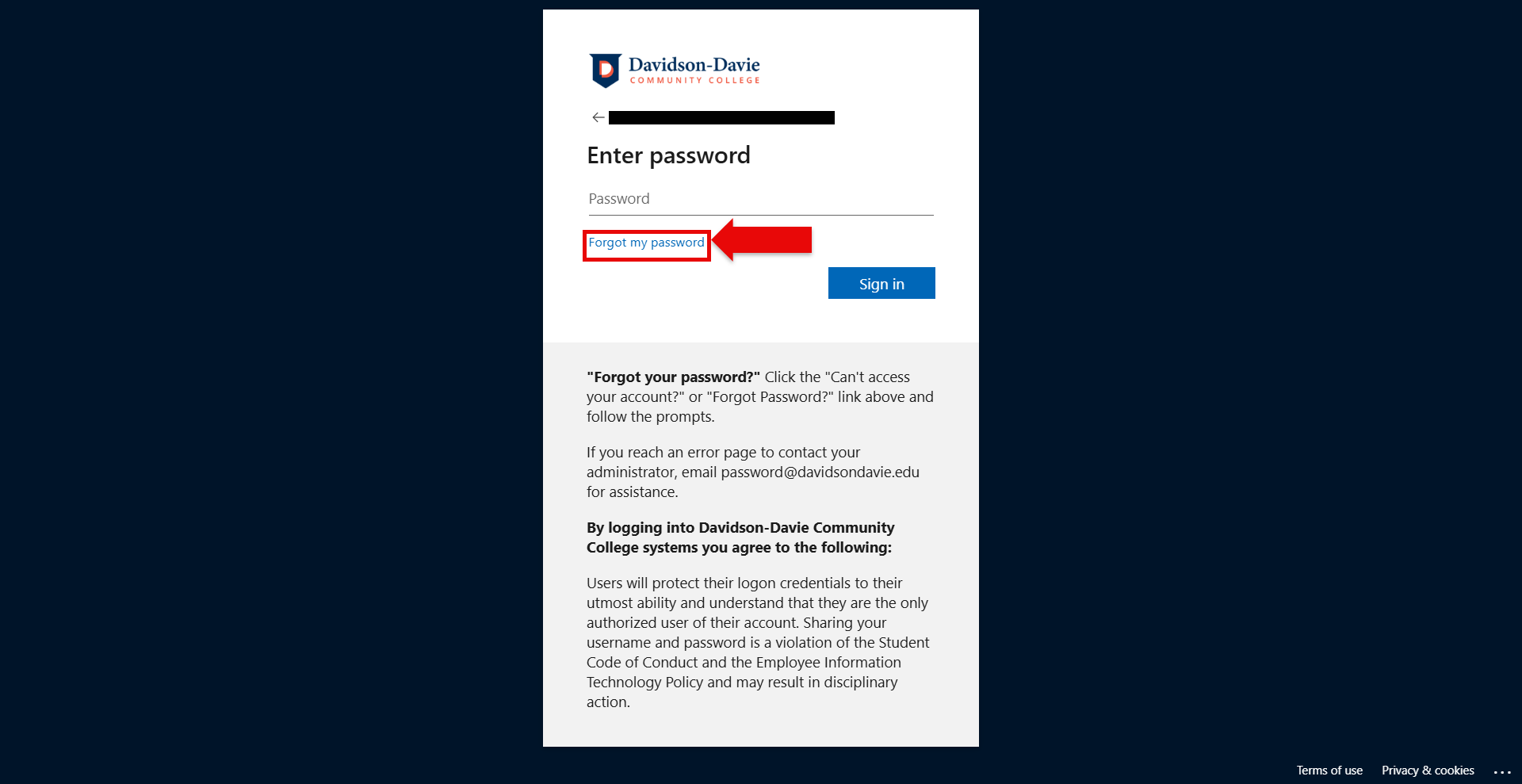
Do you have your username and phone available but can't login? Select "Forgot my password" and follow the prompts. There are a few steps you must take to verify it is you:
- Type your username (this is your Davidson-Davie email).
- Type the number and letter combination in the captcha and select next.
- Select text or call to verify. (Texting will send a code while calling will need you to press the # key to continue.)
- Type your phone number. You must do this before you can receive the code or press # during the call.
- Enter your new password.
This option is also used to reset a password that is about to expire.
I Can't Access My Username and/or Phone
No need to worry! Email password@davidsondavie.edu to help restore your access. This option also helps when you need to fix your Multi-Factor Authentication. This is a common issue when you get a new phone.
Was this article helpful?
That’s Great!
Thank you for your feedback
Sorry! We couldn't be helpful
Thank you for your feedback
Feedback sent
We appreciate your effort and will try to fix the article